
1. Start with the project, not the instrument
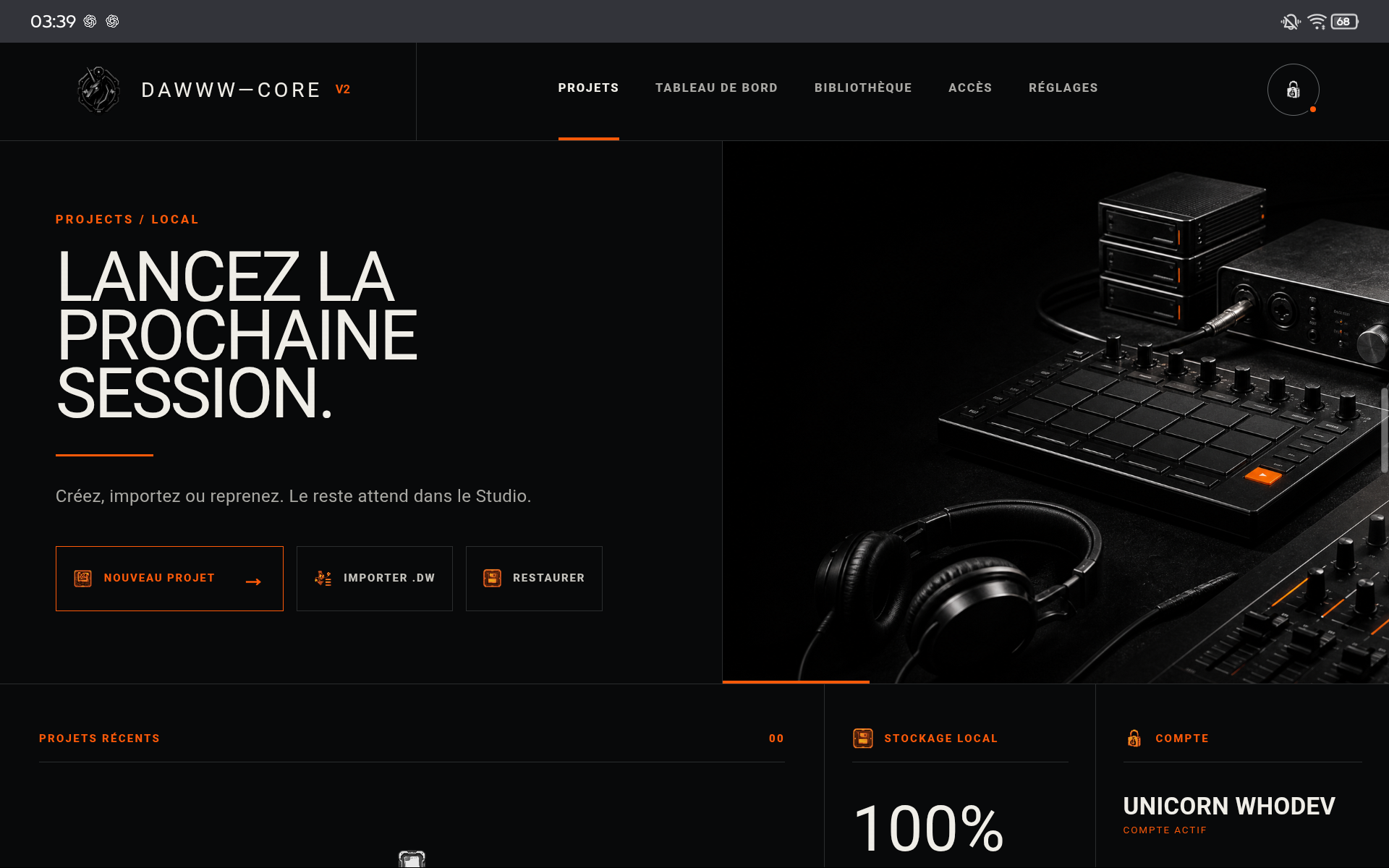
Create a clearly named project from the launcher. The project is the working unit: it contains musical structure, tracks, notes, automation, instrument settings, and the state required to resume the session. Working storage is local to the device and browser profile.
- Use a short, recognizable name.
- Set the tempo before writing many patterns.
- Create a .dw copy before a major reorganization.
2. A track connects writing, instrument, and mixing
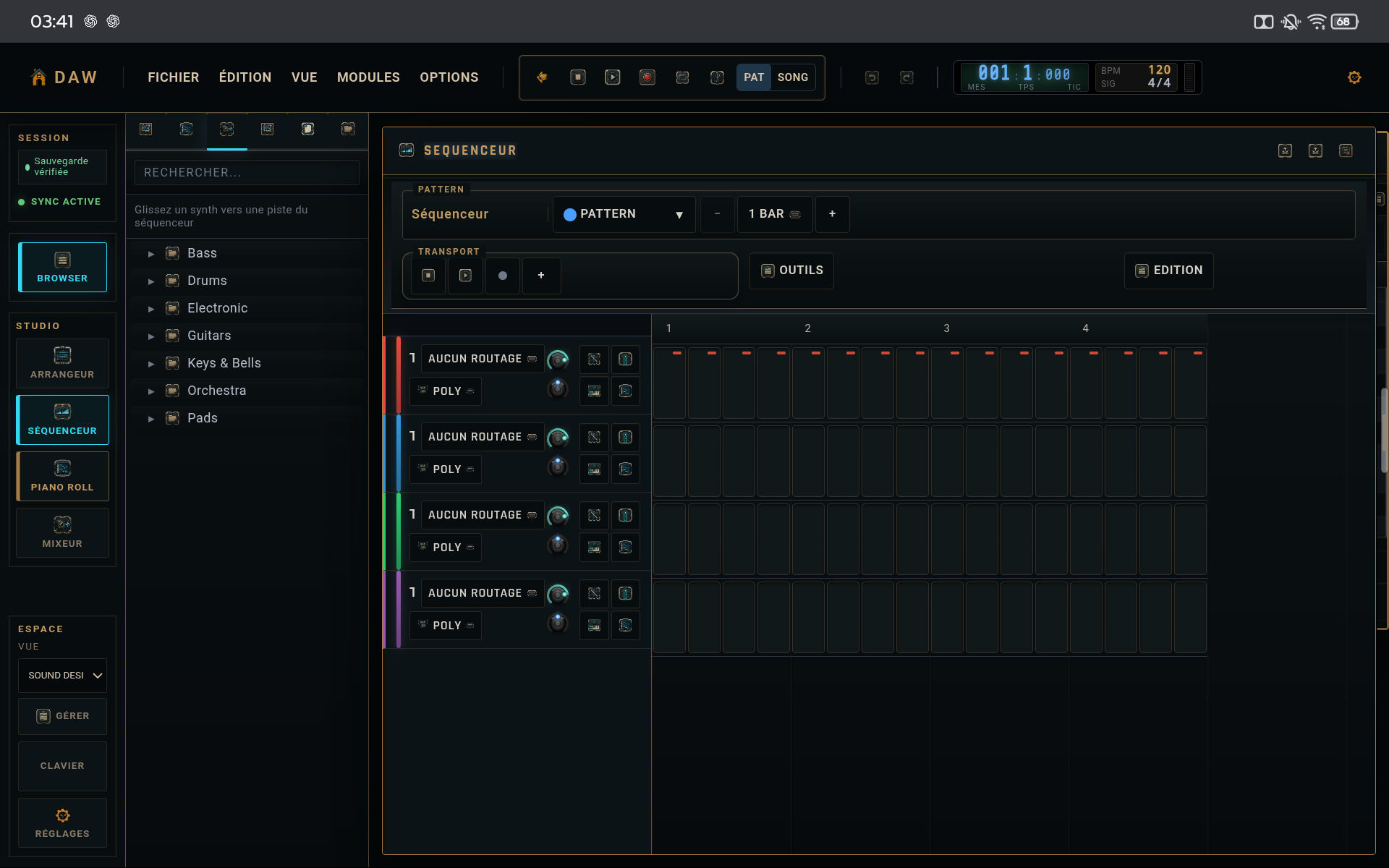
When you add an instrument, think of the track as one complete path: notes or steps → instrument engine → effects → mixer channel → master. This keeps the sequencer, synth, and mixer from becoming three disconnected workflows.
- Write a simple idea first.
- Shape the sound second.
- Balance the level before adding many effects.
3. Local autosave and portable copies are complementary
Autosave protects the working session on the device. The .dw file is the portable copy independent from the browser profile. These mechanisms solve different problems: fast recovery on one side, archiving and transfer on the other.
TIPS
Keep these in mind
- Keep a dated .dw copy before a major change.
- Avoid starting with too many tracks: lock a convincing loop first.
- If a sound is too loud, lower the channel before compressing the master.
AVOID
- Confusing autosave with an external backup.
- Changing ten parameters at once without listening between changes.
- Waiting until the end of the track to check levels.