
LEARN / TUTORIALS
DAWWW-CORE tutorials
Short sessions with a concrete result, explained steps, and a final checklist.
 15 min
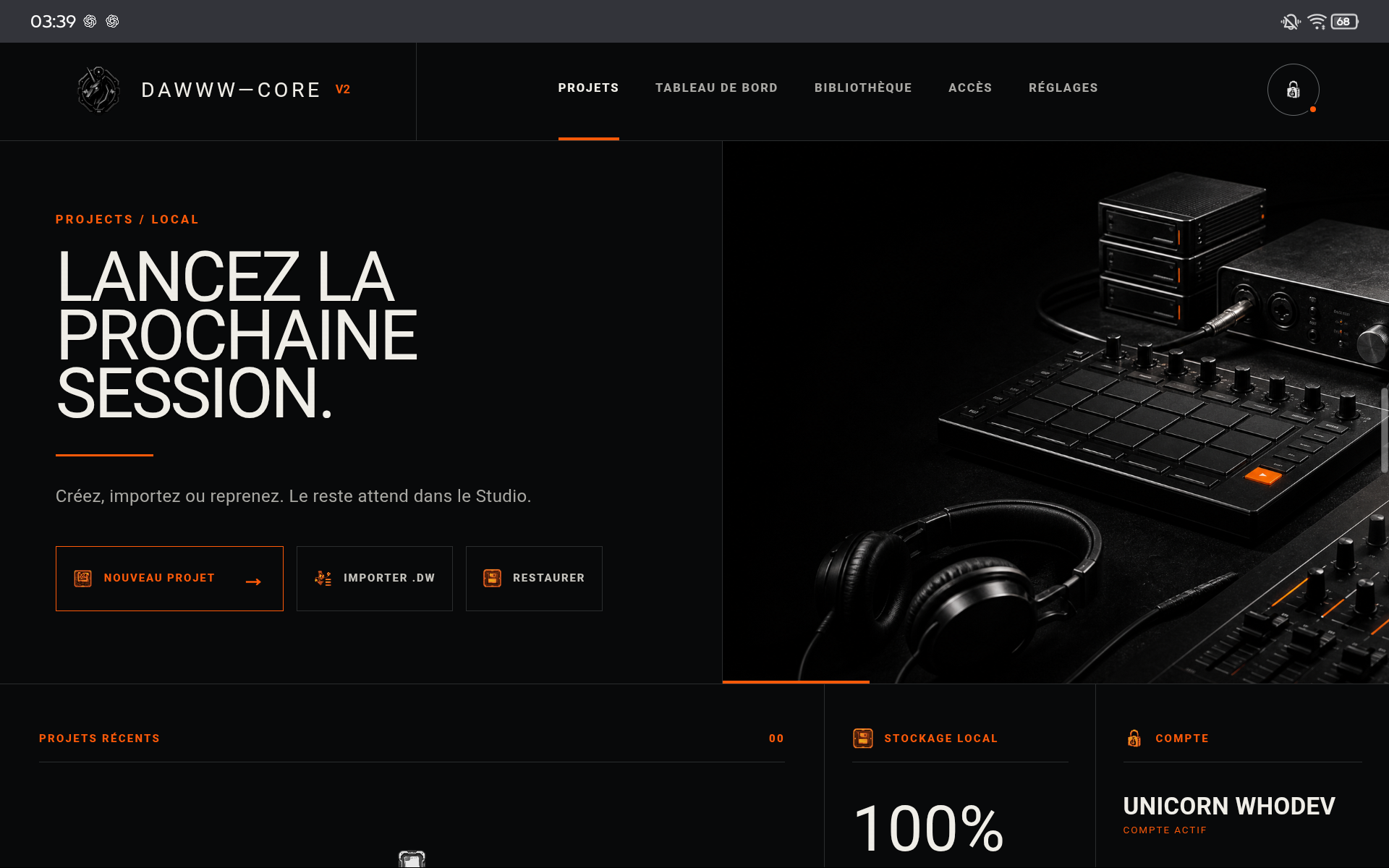
Create a first project
From the launcher to a balanced loop saved as .dw.
Open →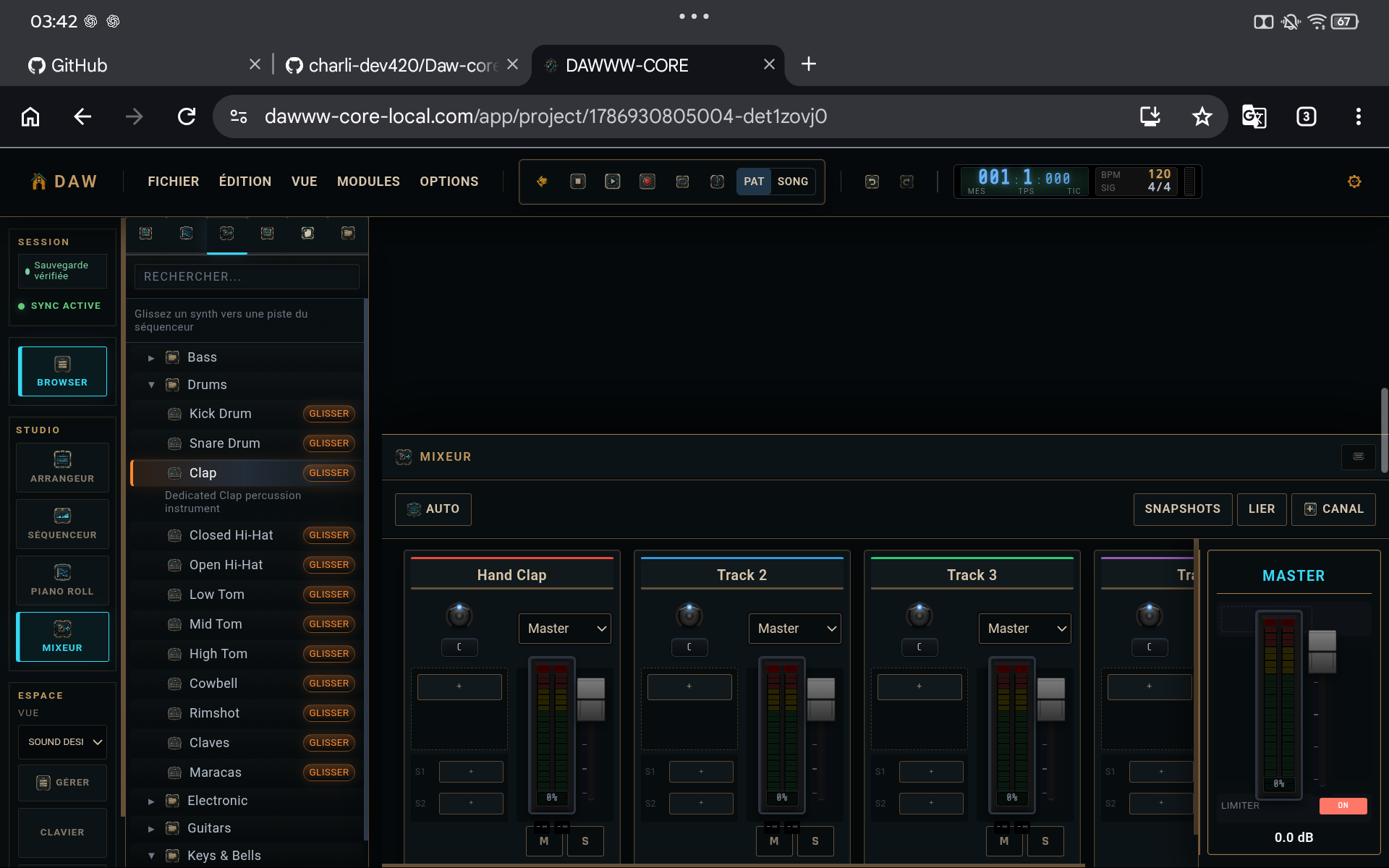 20 min
Build a less mechanical groove
Velocity, probability, ratchet, and micro-timing with restraint.
Open →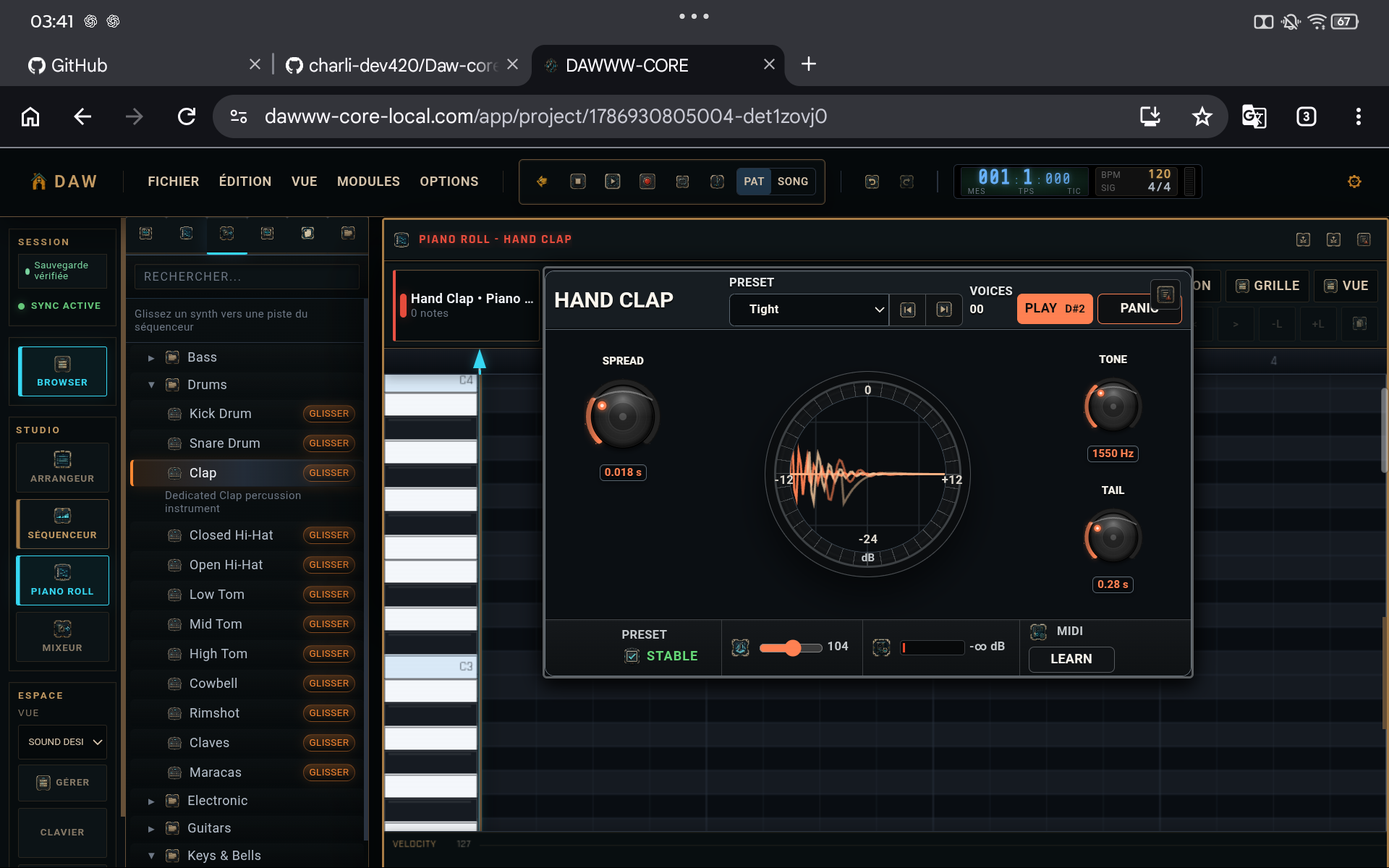 25 min
Shape a sound
Instrument shaping followed by a short, justified effect chain.
Open →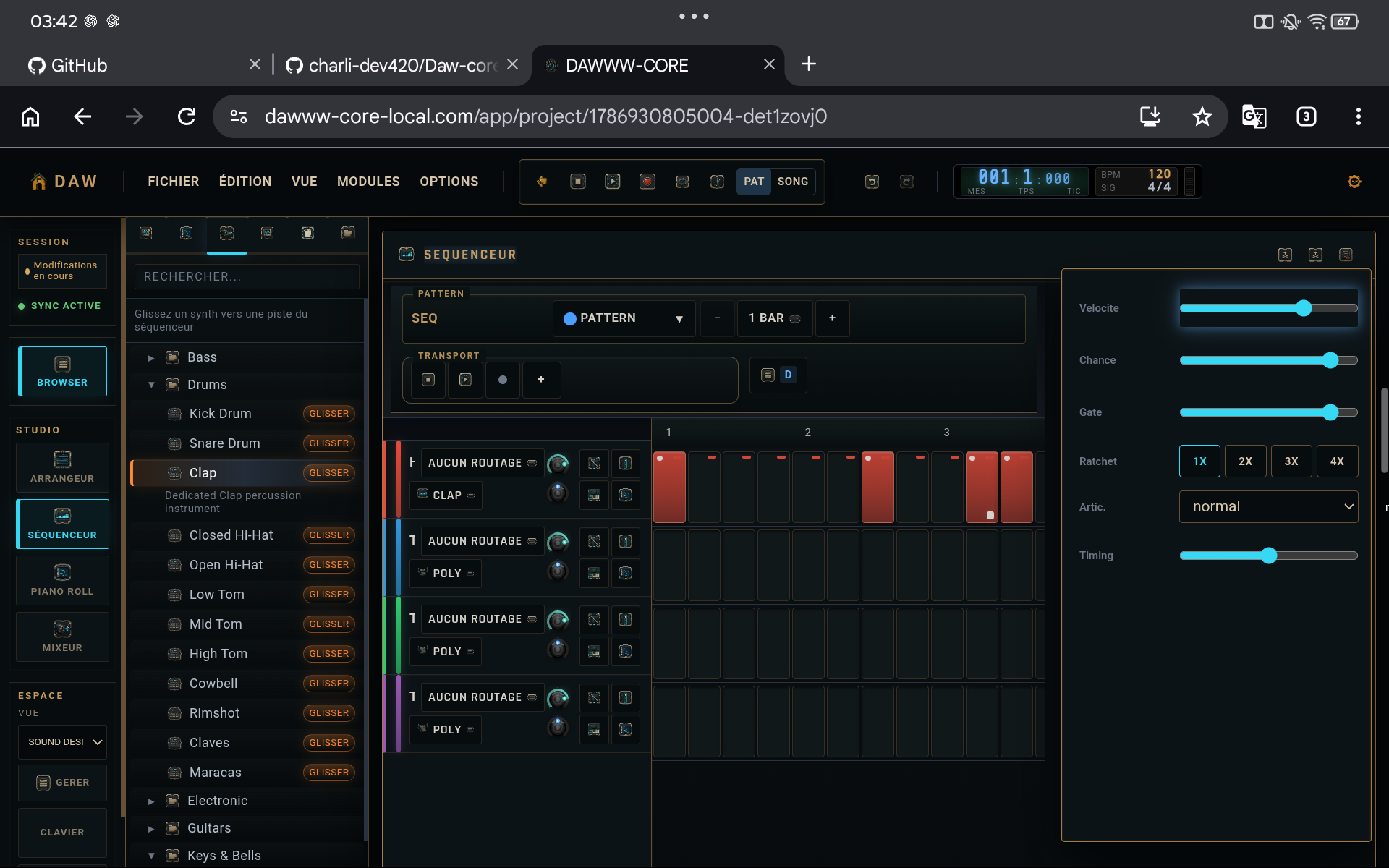 15 min
Prepare a clean export
Continuous review, master check, .dw copy, and final render playback.
Open → 14 min
Build a drum groove that breathes
A readable, dynamic drum pattern with less mechanical repetition.
Open →15 minWrite a simple effective bassline
A bassline that supports the groove instead of fighting it.
Open →16 minMake kick and bass coexist
A readable low end without overprocessing the master.
Open →16 minBuild a useful chord bed
A simple harmonic progression that leaves space for the rest.
Open →14 minBuild a pad that fills without smothering
An atmospheric layer that is present but not intrusive.
Open →15 minDesign a lead that cuts through the mix
A recognisable lead without simply turning it up.
Open →13 minCreate a useful rhythmic arpeggio
An arpeggio that adds motion without overloading the harmony.
Open →12 minCreate a transition without stacking ten effects
A clear rise or break built with only a few elements.
Open →11 minAutomate a filter without breaking the level
A musical, level-stable filter movement.
Open →22 minTurn a loop into an arrangement
A song structure with progression and contrast.
Open →PRACTICE