
KNOWLEDGE / DOCS
Practical DAWWW-CORE documentation
Usage-first guides: understand each module, see the real interface, apply a method, and avoid common mistakes.
 GUIDE
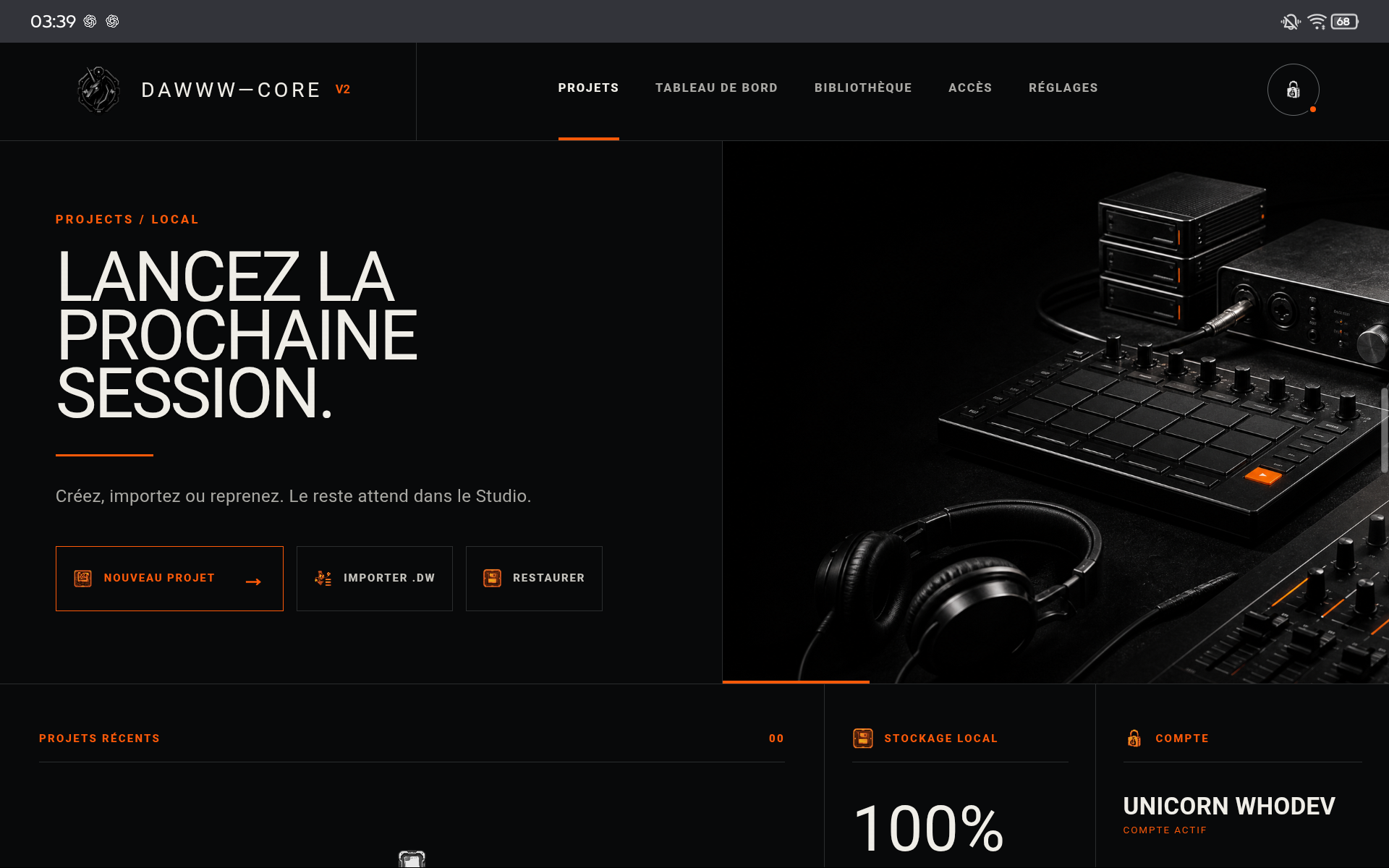
GUIDEGetting started
Local project, track, instrument, autosave, and .dw copy.
Open →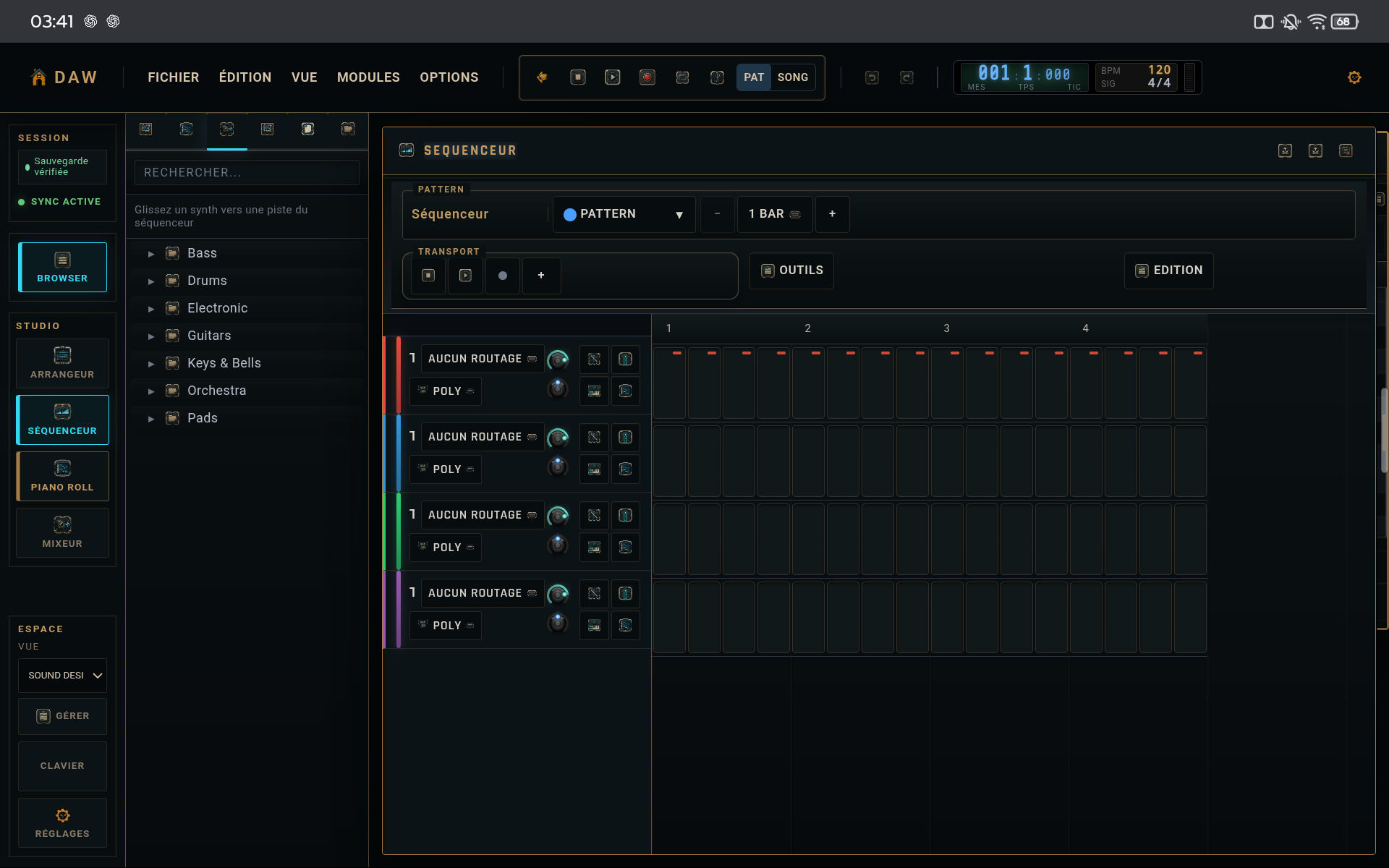 GUIDE
GUIDESequencer
Patterns, steps, velocity, probability, ratchet, and timing.
Open →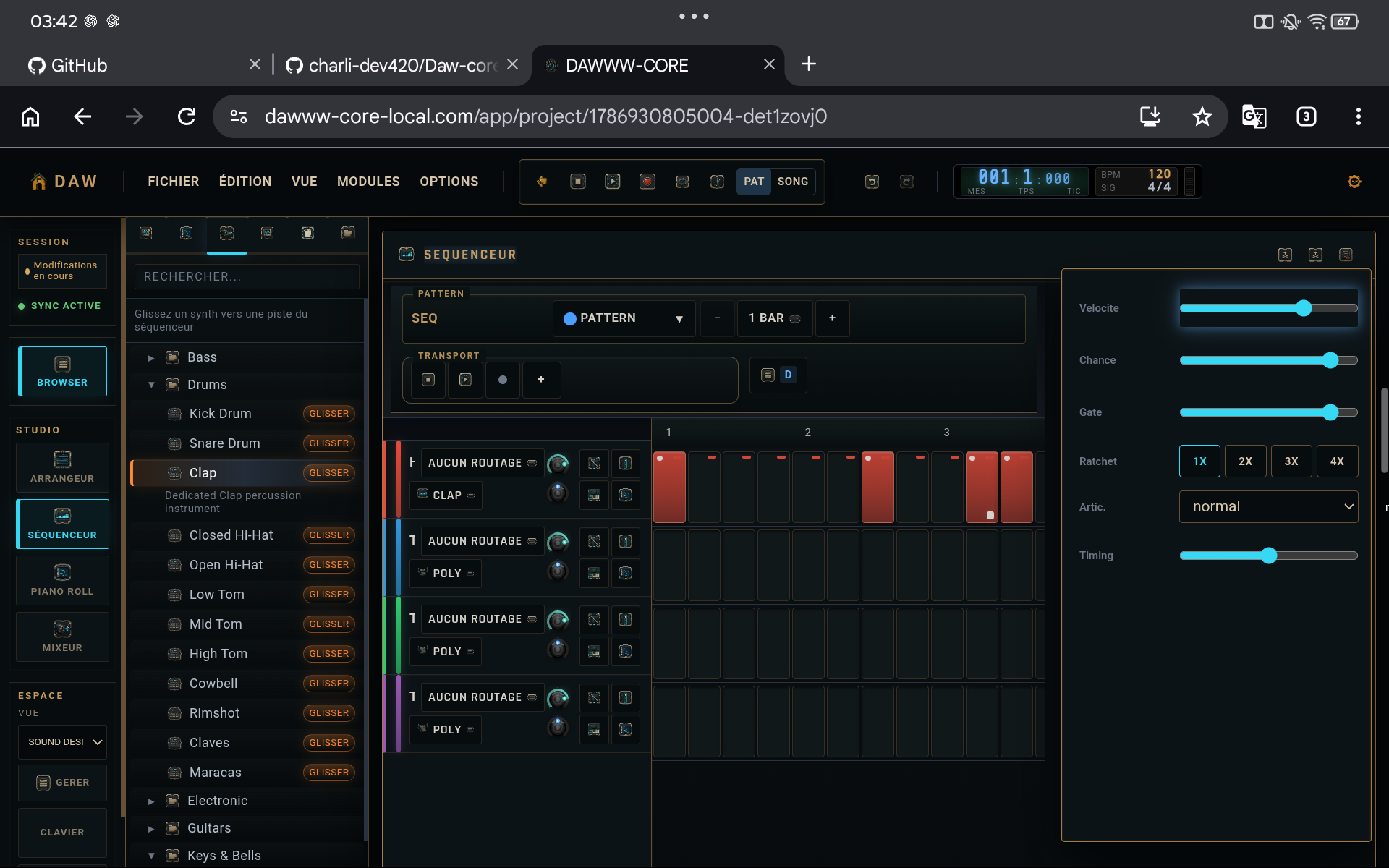 GUIDE
GUIDEMixer
Levels, panning, inserts, master headroom, and comparison.
Open →GUIDE.dw format
Portable project and Desktop ↔ Android transfer without conversion.
Open →GUIDEInstallation and access
Desktop browser, PWA, and Android distribution.
Open →GUIDEFirst session
Build a coherent loop with a small number of tracks.
Open →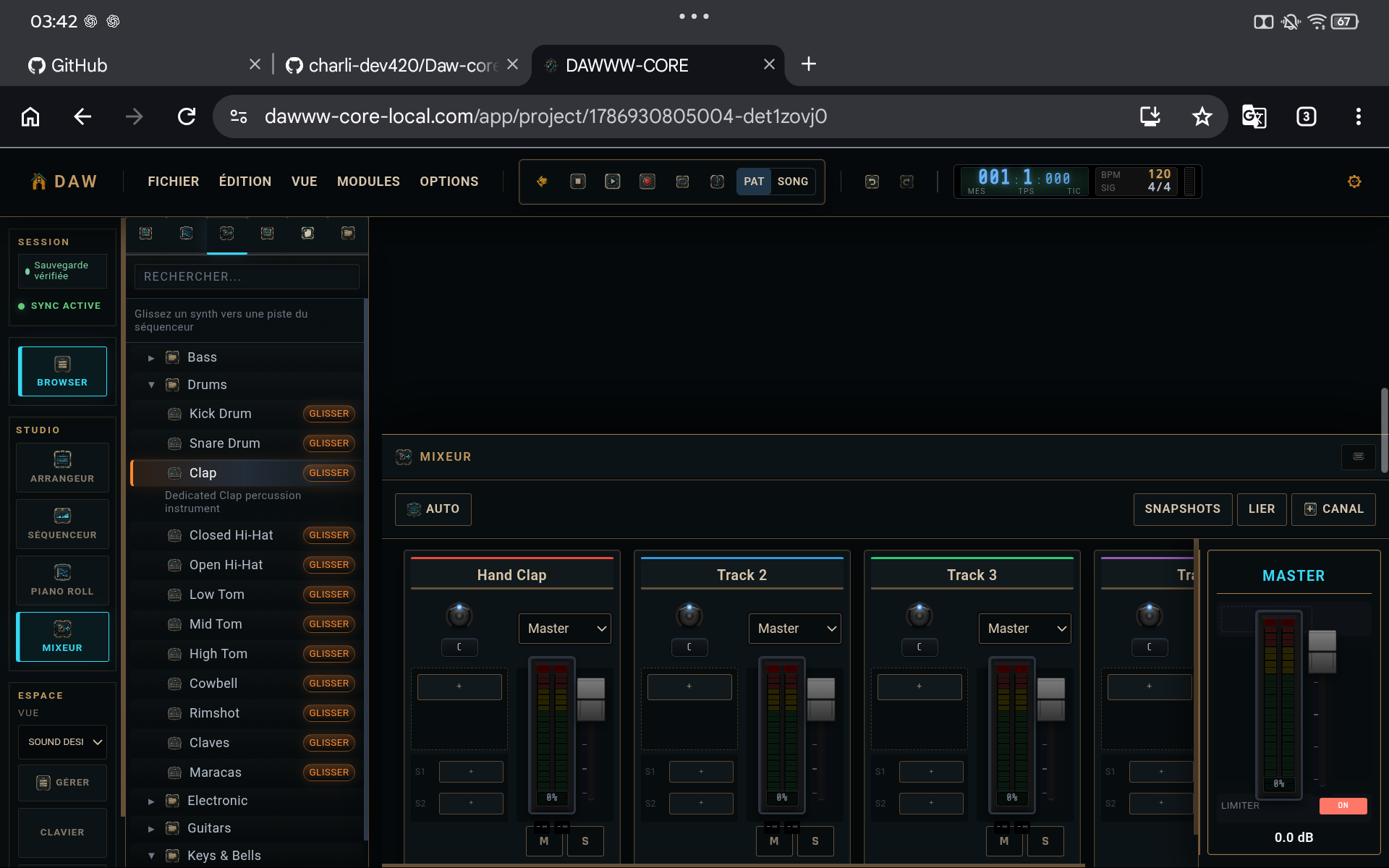 GUIDE
GUIDEComplete workflow
Sketch, variations, arrangement, mixing, and export.
Open →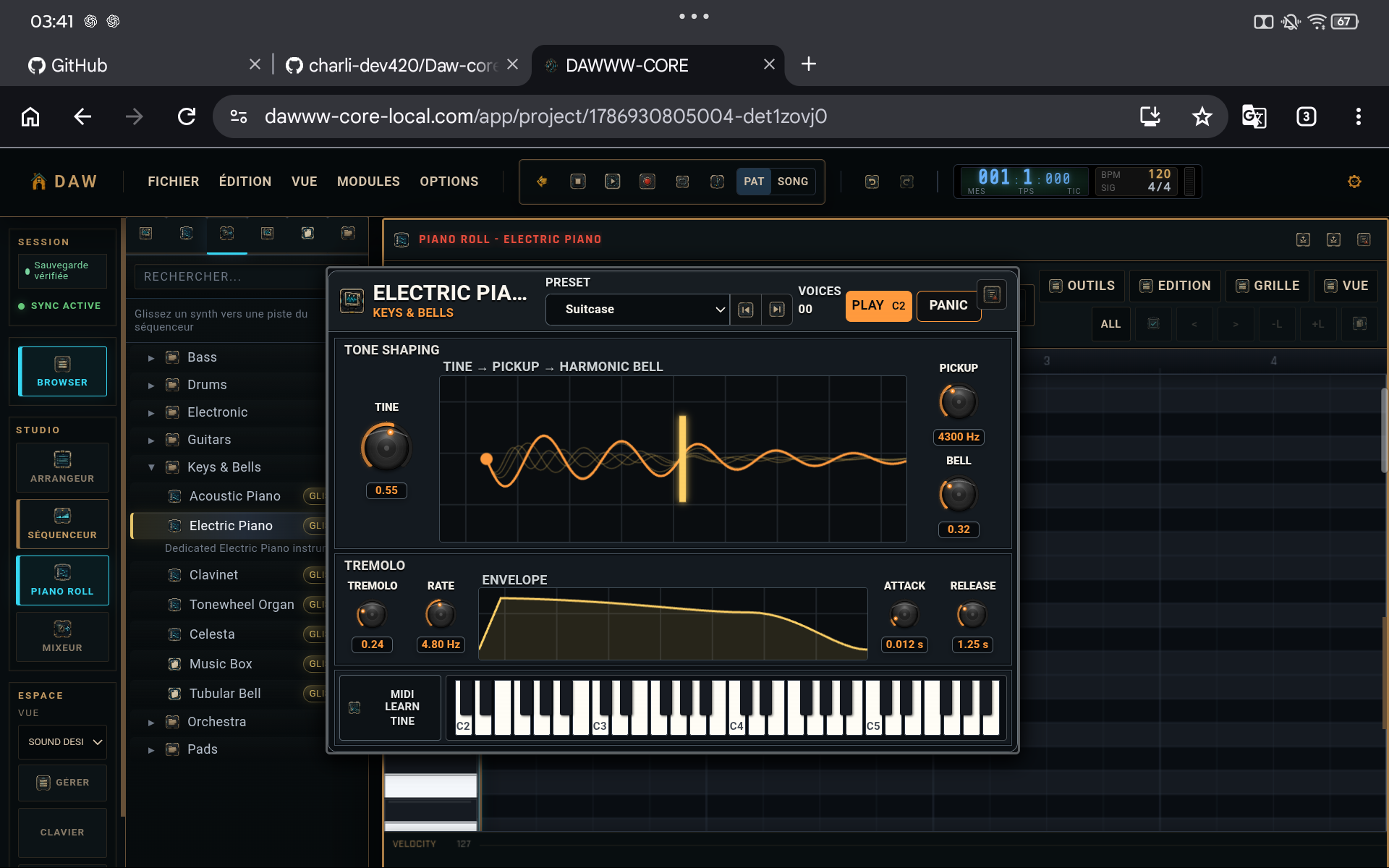 GUIDE
GUIDEMIDI and piano roll
Pitch, duration, velocity, recording, and quantization.
Open →GUIDEBuilt-in effects
EQ, dynamics, space, modulation, saturation, and utilities.
Open →GUIDEPrepare an export
Timeline, master, audio render, and .dw milestone.
Open →GUIDEProject management
Local projects, versions, recovery, and transfer.
Open →GUIDEAutomation
Create readable parameter motion with few points.
Open →GUIDEAccount and access
Separate account entitlements, local projects, and cross-device use.
Open →PRACTICE