
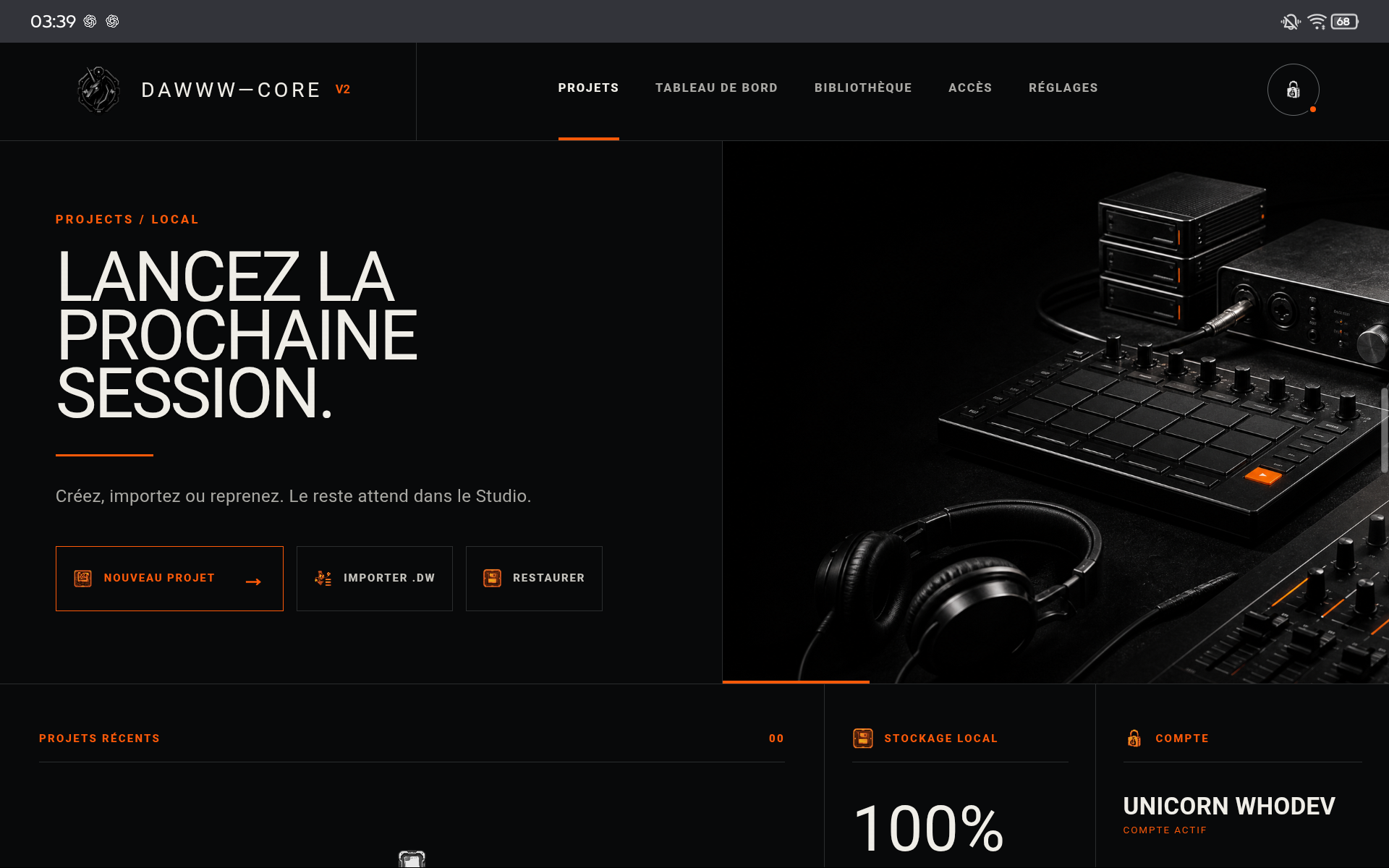
1. Desktop: start in a recent browser
The Desktop version runs in the browser. Recent Chrome or Edge versions generally provide the most predictable Web Audio behavior. Audio must be enabled by a user gesture before playback.
2. PWA: install for quicker access
PWA installation keeps the web engine while providing a dedicated entry point and app-like behavior. It does not create a different project format: local storage and .dw remain the key concepts.
3. Android: separate distribution, shared project model
The Android application is distributed separately. The difference is distribution and access entitlement, not a reduced music format: the project remains based on the same cross-device .dw contract.
TIPS
Keep these in mind
- Test audio playback before a long session.
- Keep your browser updated.
- After a major update, open a test project before your main session.
AVOID
- Confusing the PWA with the Android APK.
- Clearing browser storage without a .dw copy.
- Blocking site audio and then troubleshooting the mixer.