
1. Limit the first loop to four roles
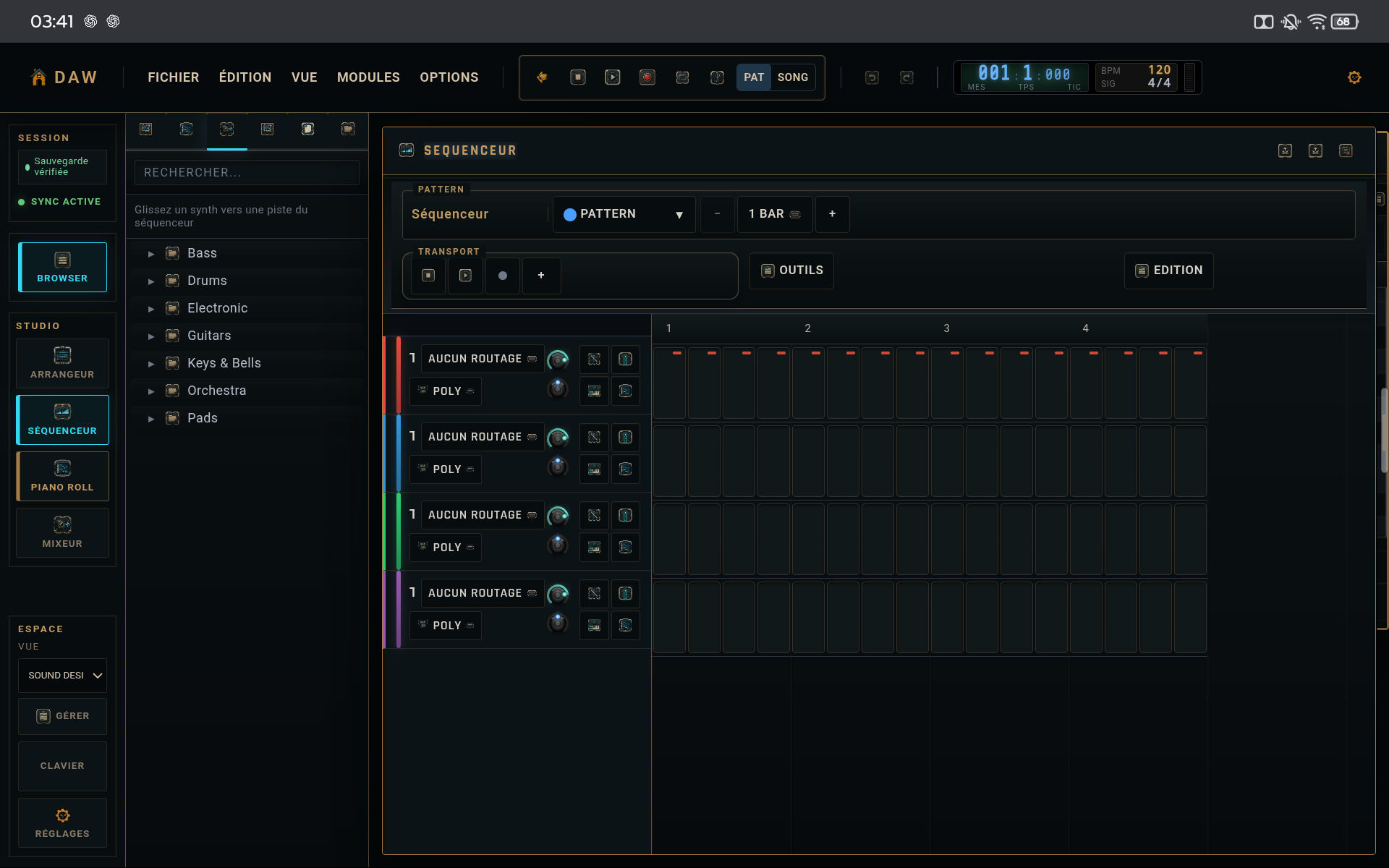
Start with drums, bass, one harmonic element, and optionally a lead motif. The goal is not to fill the project; it is to make four roles work together.
2. Let the pattern breathe
After programming the main beats, remove some triggers before adding more. An effective loop often contains more space than expected.
3. Use the piano roll for the musical line
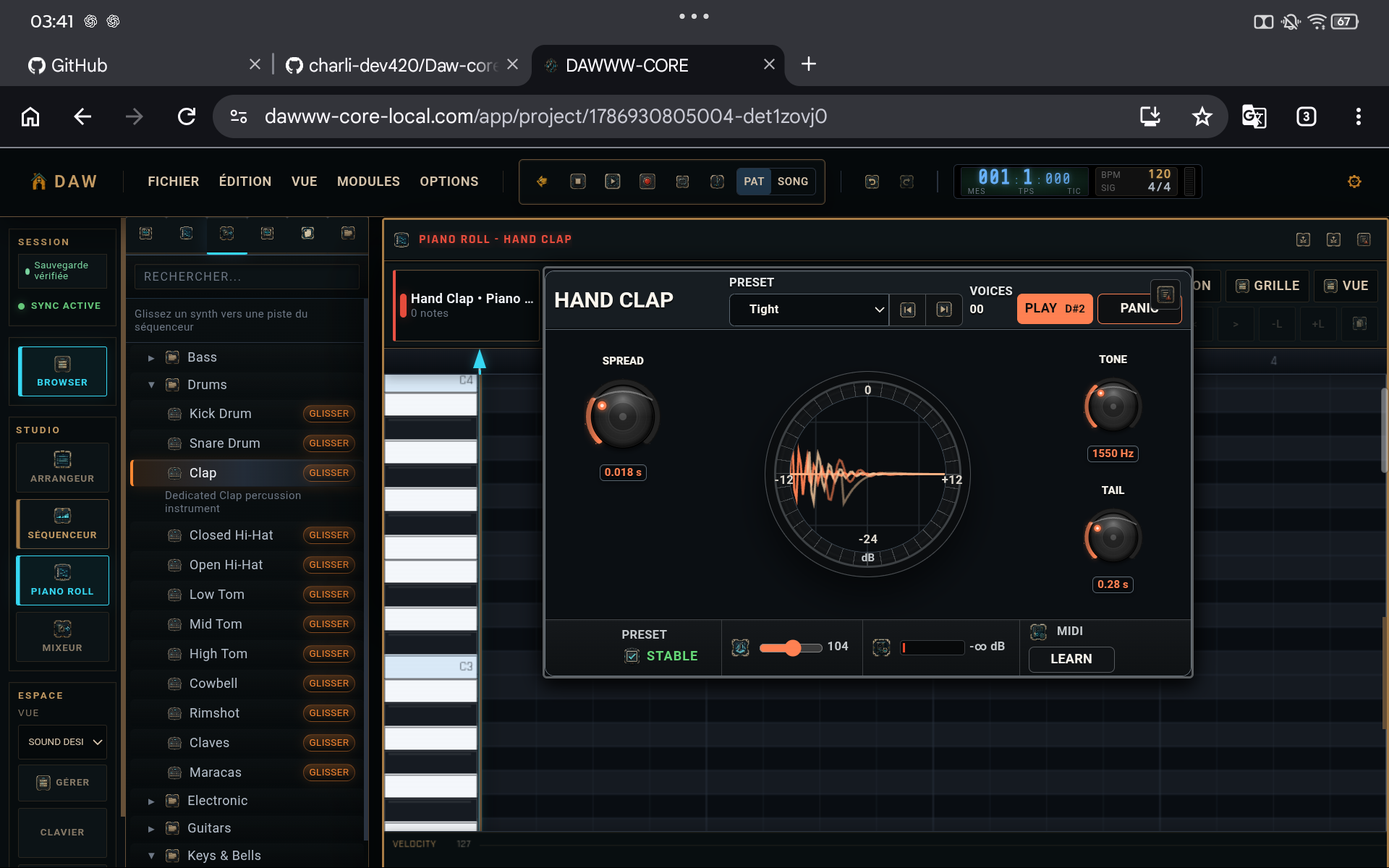
Draw a few sustained notes or a short motif. Check note endings and overlaps: they strongly affect polyphonic instruments and basses.
4. Make a first mixer balance
Lower tracks that dominate, optionally move a secondary element slightly to one side, and keep comfortable master headroom. Do not try to master the track yet.
TIPS
Keep these in mind
- Save a .dw copy when the loop starts working.
- Add a new instrument only if it fills a missing role.
- Judge the loop at moderate volume.
AVOID
- Adding layers before fixing the groove.
- Making every note equally loud.
- Starting mastering before the arrangement exists.