
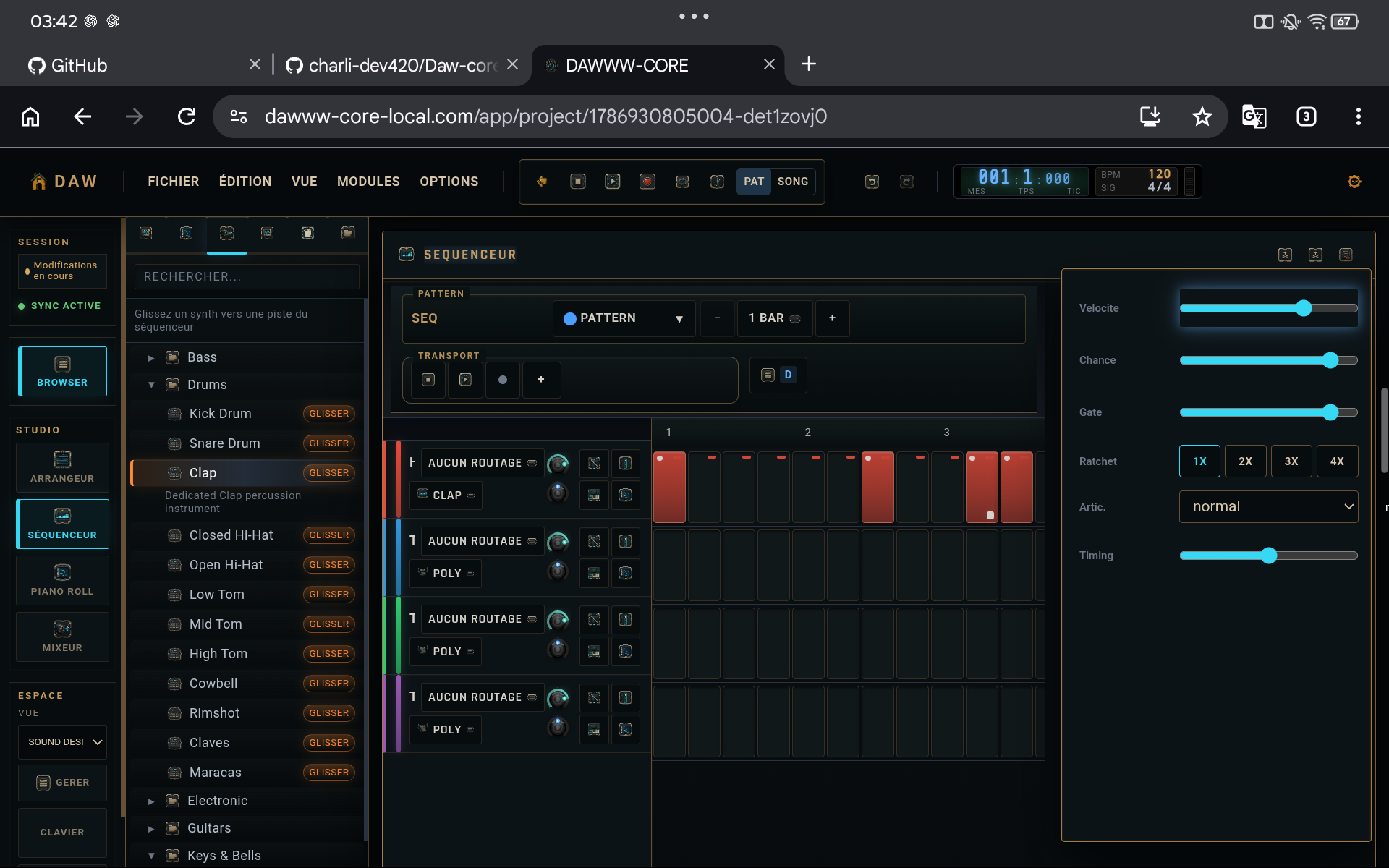
Do one playback pass without editing
Action
Play the track from the beginning and note problems without stopping for every detail. Check transitions, silence, missing tracks, and the ending.
Why
Continuous playback reveals whole-track problems that loop work hides.
Check the densest section
Action
Open the mixer on the busiest section. Check channel and master peaks, then lower the responsible sources when needed.
Why
This is where clipping and masking most often appear.
Create the .dw milestone
Action
Export a .dw copy with an explicit version name before the final audio render.
Why
You can always return to the exact version that produced the render.
Export and listen back to the file
Action
Render the audio, then open the resulting file. Listen to the start, the densest section, and the ending. Check total duration too.
Why
A technically successful export can still contain a content or timeline-range mistake.
CHECKLIST
Before considering the tutorial complete
- Start and end are clean.
- The master does not clip.
- The matching .dw exists.
- The exported file has been listened to.