
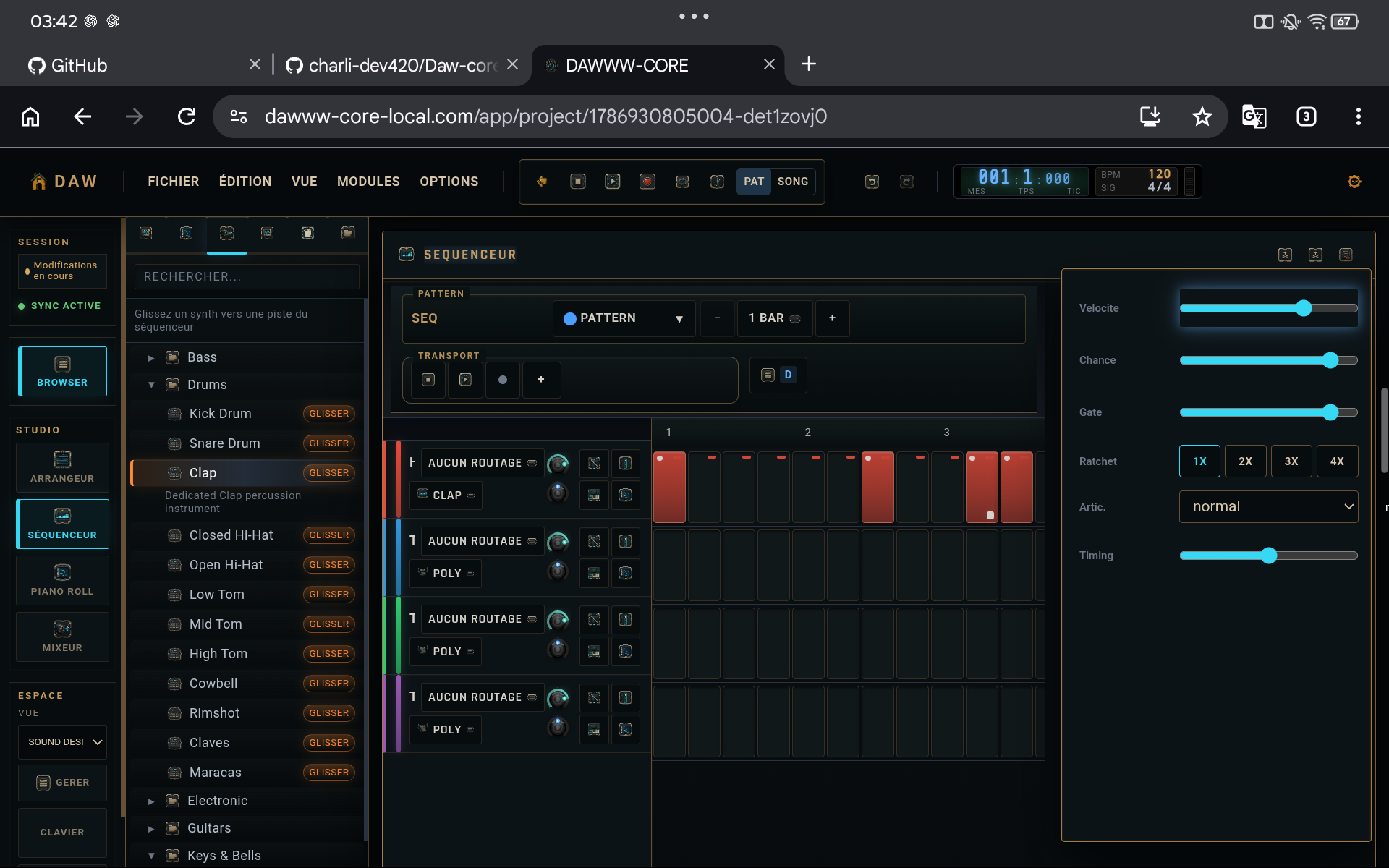
1. Build a balance without effects
Before opening a compressor or EQ, lower the faders and rebuild the balance. Each element should have an audible place while the master remains comfortably below clipping.
2. Use panning to create space
Two masking sounds do not always need more EQ. Moderate stereo placement can be enough. Keep low-end foundations and structurally important elements near the center in most cases.
3. Build inserts in a readable order
Each effect changes what the next effect receives. A simple chain such as EQ → compression → light saturation → space is easy to diagnose. Change the order when you know what result you are after.
4. Compare at similar perceived loudness
A louder processed signal often seems better simply because it is louder. Compensate output gain when possible and use bypass to judge tone and dynamics rather than volume alone.
TIPS
Keep these in mind
- Keep headroom on the master.
- Solo is useful for diagnosis, but make final decisions in the full mix.
- A short well-tuned chain beats six automatic processors.
AVOID
- Mixing with the master already near the limit.
- Stacking effects to compensate for poor gain staging.
- Confusing stereo width with clarity.