
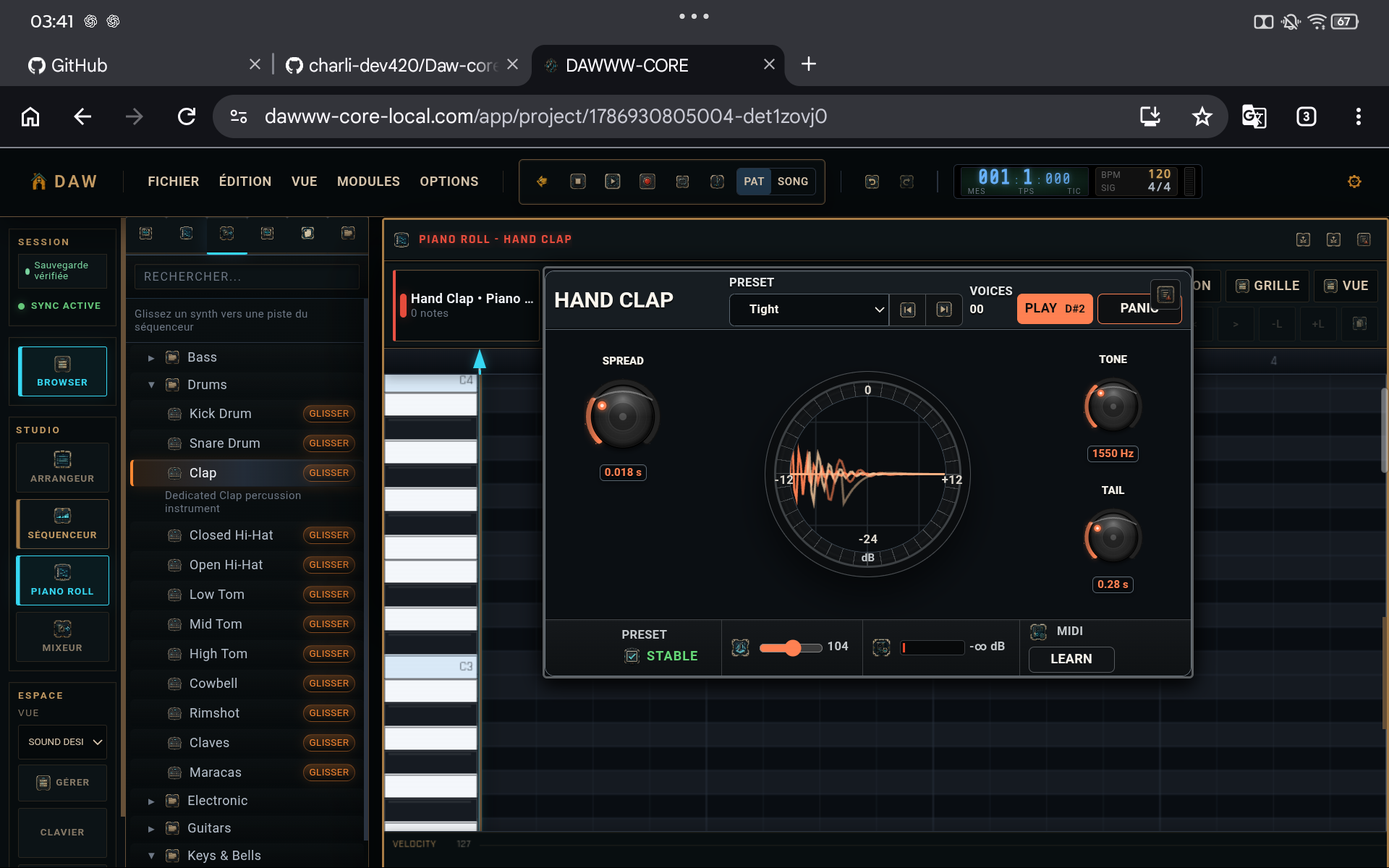
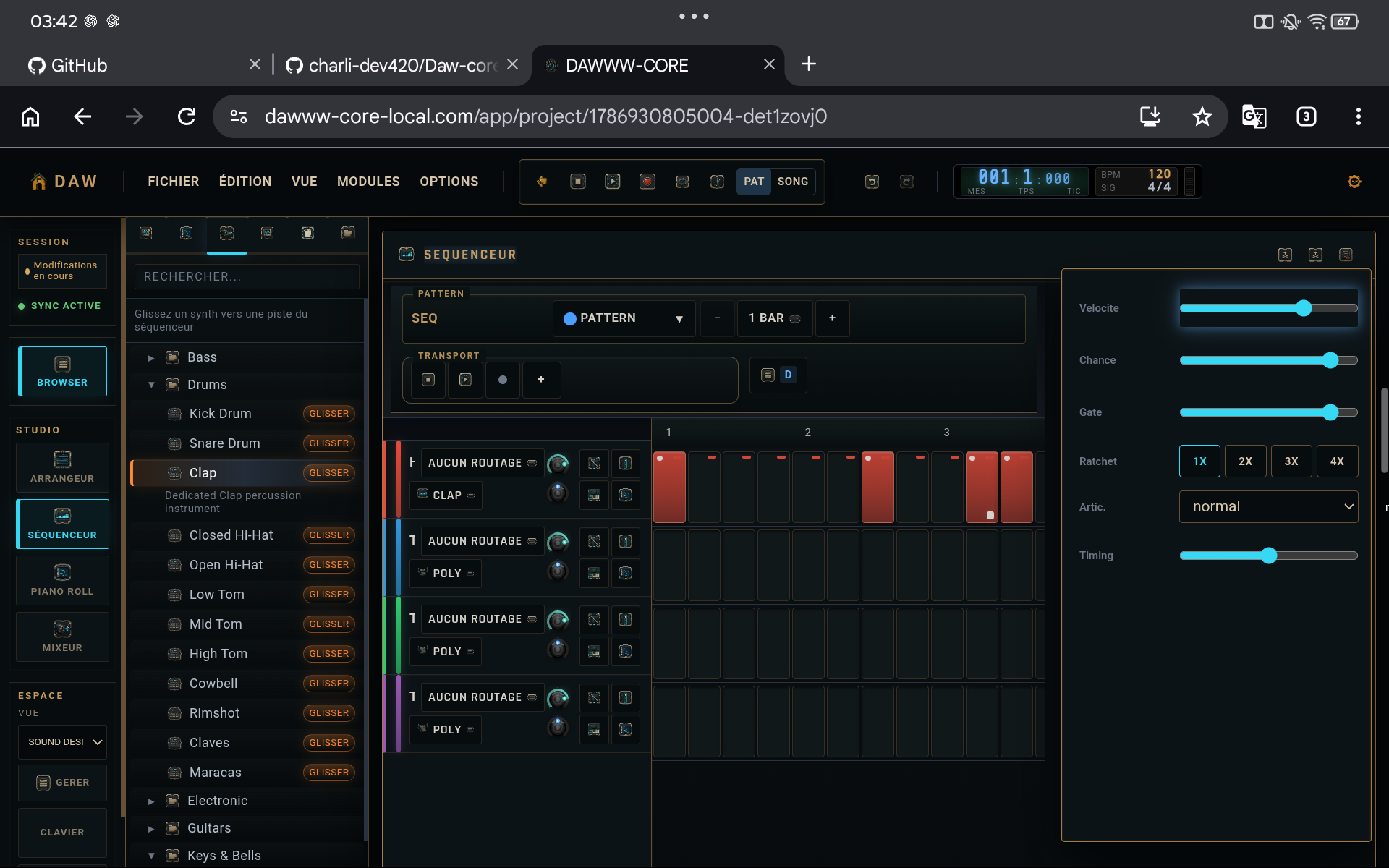
Fix the instrument first
Action
Open the instrument editor and adjust parameters that directly control attack, sustain, or tone. Do not use EQ to repair a synthesis setting that the instrument itself can solve.
Why
Fewer processors are needed when the source is already close to the goal.
Clean with one EQ or filter
Action
Identify one genuinely problematic area and correct it lightly. Do not draw a complex curve without a corresponding audible problem.
Why
Every unnecessary correction reduces headroom and complicates diagnosis.
Add dynamics or saturation only when needed
Action
Use compression when level variation prevents the track from doing its job. Use saturation or distortion when you want more harmonics or a specific color.
Why
These processors solve different problems and are not generic “better” buttons.
Finish with space
Action
Add moderate reverb or delay, then listen in the full mix. Reduce wet level until the effect supports the track without masking its attacks.
Why
Space effects must be judged relative to other tracks, not in solo.
CHECKLIST
Before considering the tutorial complete
- Every effect in the chain has a role you can explain.
- Perceived loudness before/after is similar.
- The sound still works in the full mix.