
1. Sketch: find an idea that survives repetition
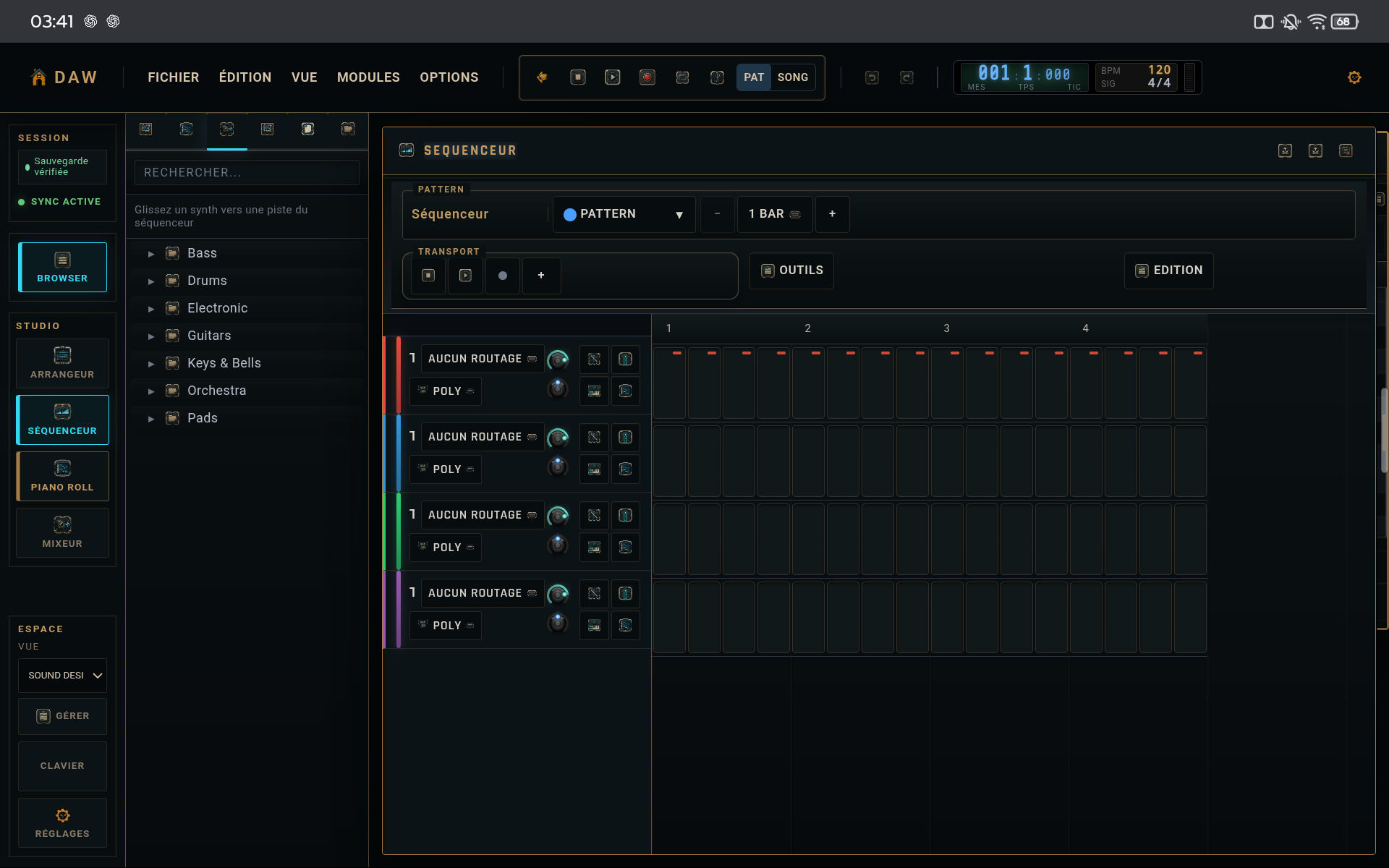
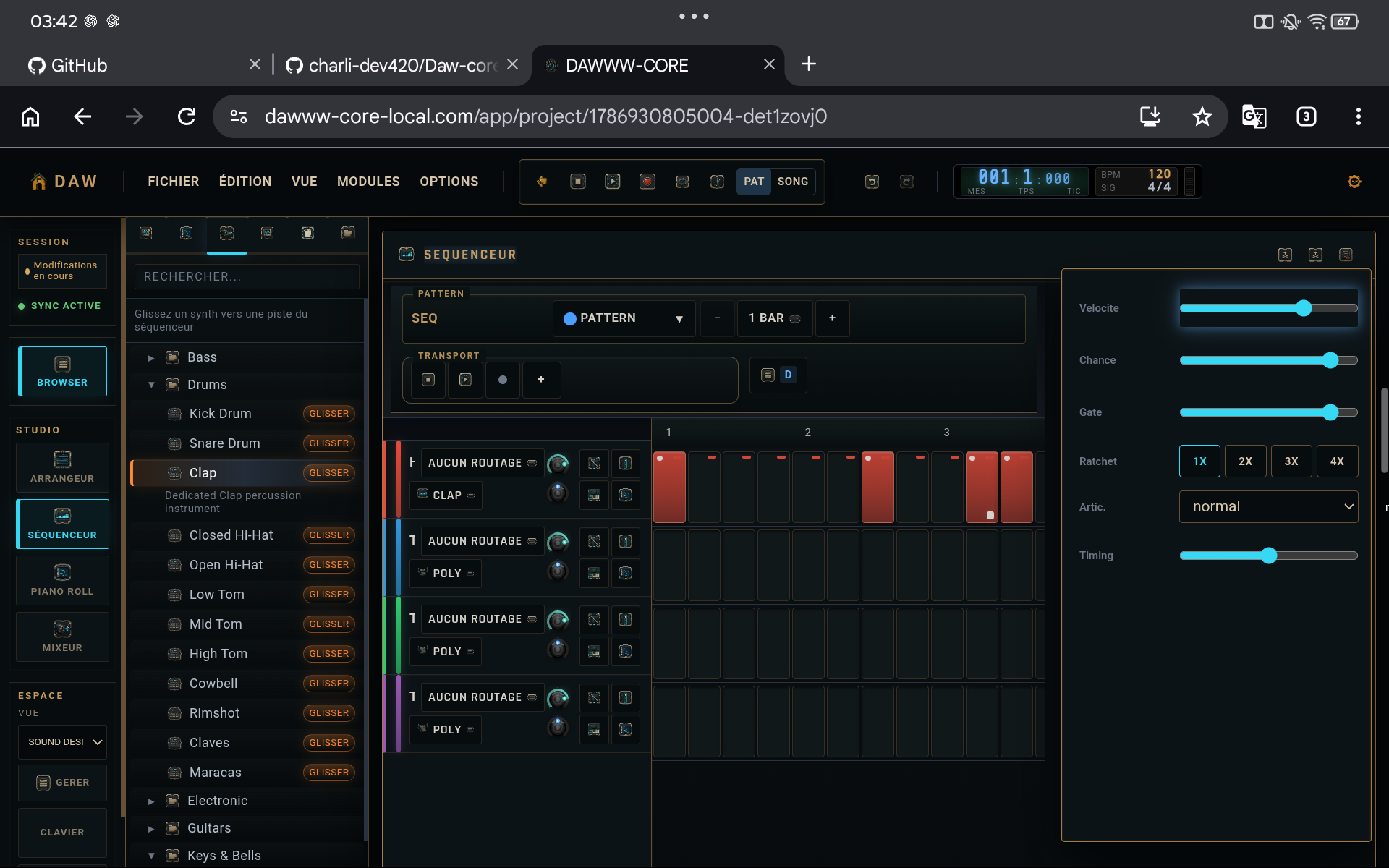
Work with few tracks and a short section. If the loop has no identity with three or four elements, more layers usually will not solve it.
2. Variation: duplicate before transforming
Duplicate useful patterns, then change one musical dimension at a time: density, phrase ending, octave, silence, or accent. This preserves a reference version.
3. Arrangement: give each section a function
A section should introduce, build, release, surprise, or conclude. Avoid copying the same loop across the whole timeline with only cosmetic changes.
4. Finish: cleanup before export
Before export, check levels, region endings, muted tracks, extreme automation, and the master. Then create a .dw copy and the audio render intended for listening.
TIPS
Keep these in mind
- Name variations by purpose rather than “copy 2 / copy 3”.
- Save .dw milestones before arrangement and final mixing.
- Finishing a small version beats polishing one loop forever.
AVOID
- Mixing composition, sound design, and mastering at every second.
- Never keeping a reference version.
- Exporting without checking the start and end of the track.