
01
Lay down only the foundation
Action
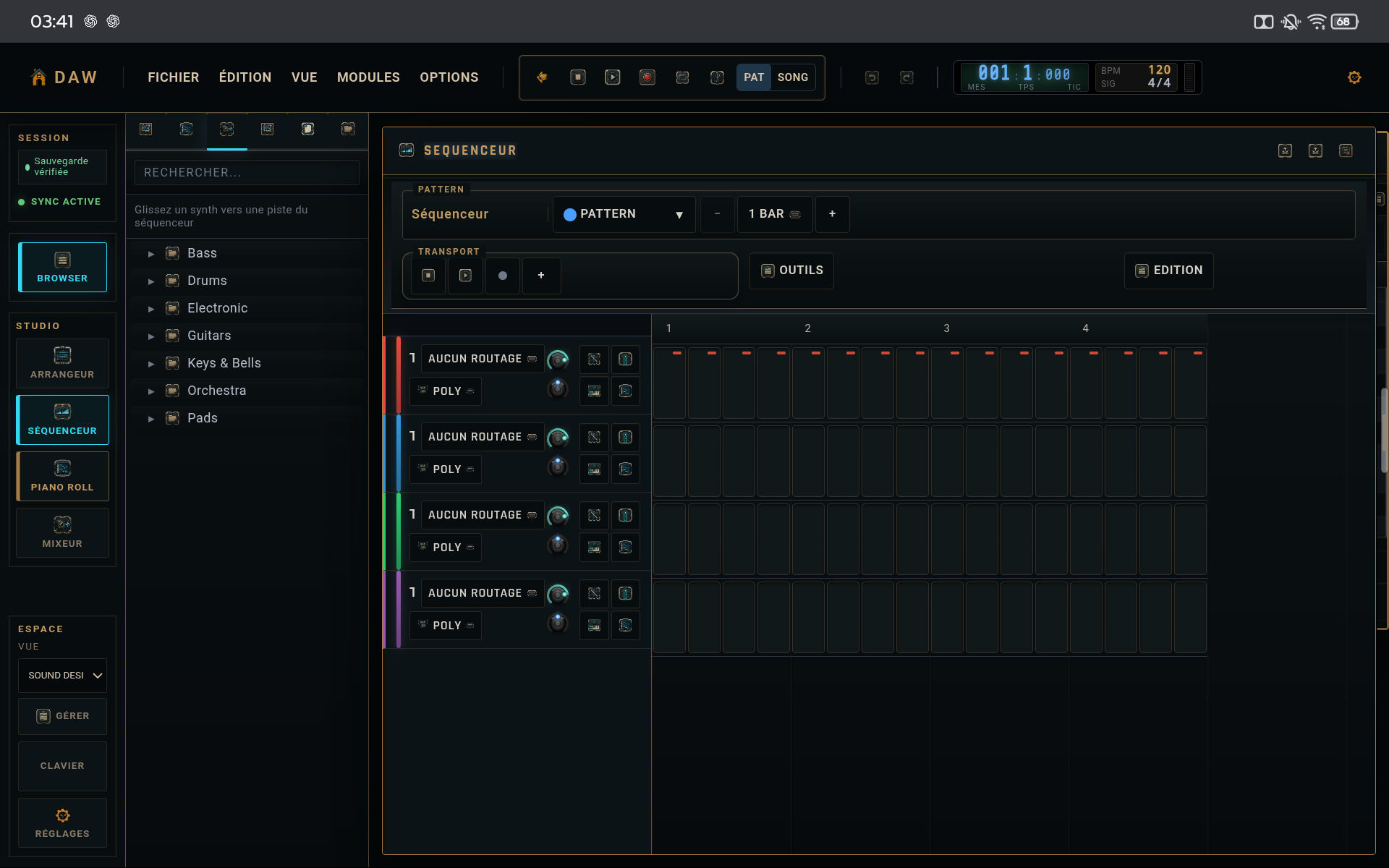
Program kick and snare on a short loop. Add no detail until the main placement works.
Why
Pocket starts with the structural events.
02
Use hats as movement
Action
Add a simple closed-hat line, then remove a few hits. Use open hat only where it genuinely opens the phrase.
Why
Silence creates as much groove as added hits.
03
Create accents before micro-timing
Action
Vary velocity on hats, claps, or secondary percussion. Keep kick and snare relatively stable.
Why
Dynamics adds movement without moving the rhythmic center.
04
Only add timing offsets if needed
Action
Slightly offset one secondary element and compare immediately with the reference pattern.
Why
Timing serves feel, not visual complexity.
CHECKLIST
Before finishing
- Kick and snare remain immediately clear.
- Hats move without filling every gap.
- Velocity adds shape before micro-timing.