
01
Create a stable foundation
Action
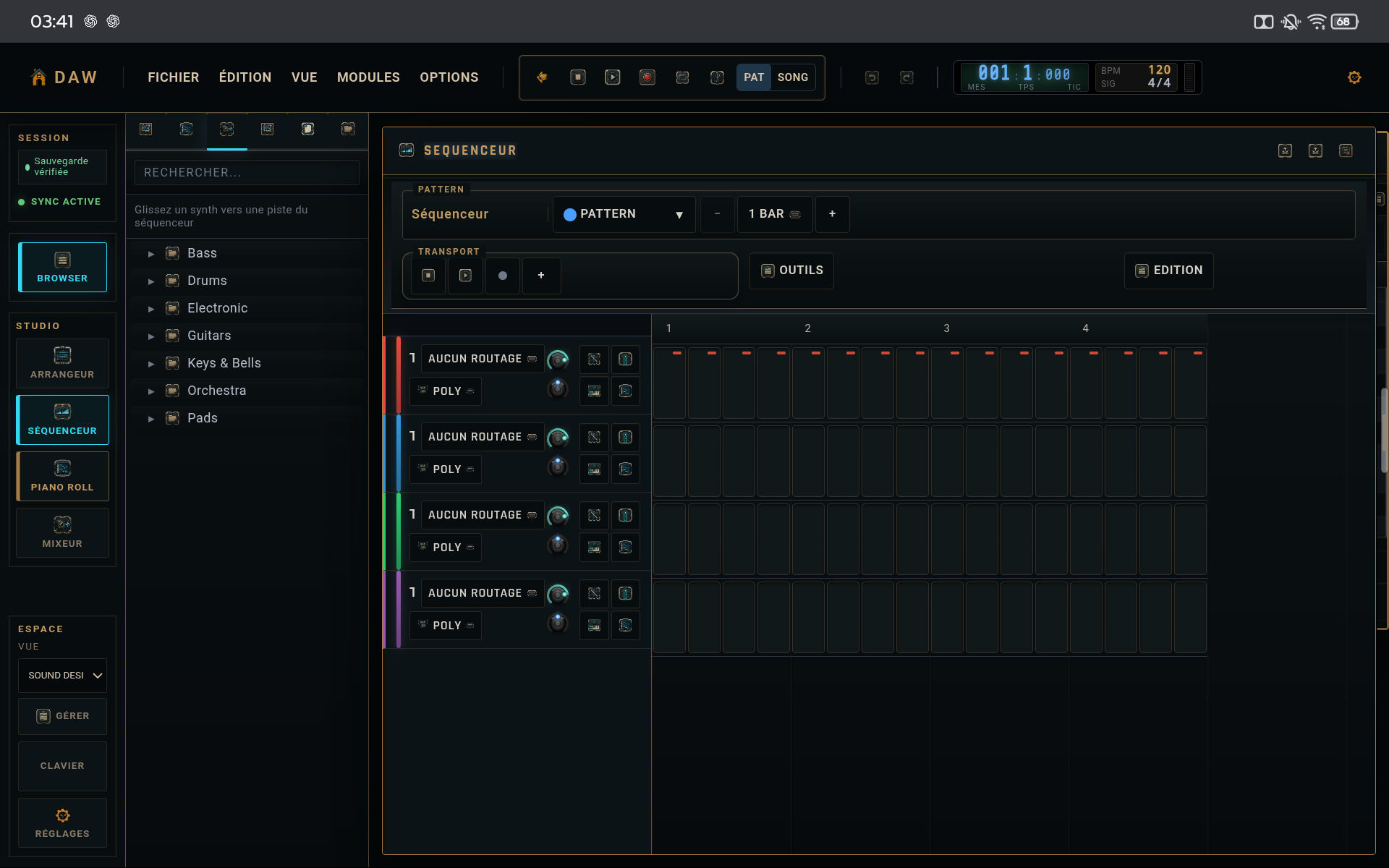
Program kick, snare, and a simple hat line. Keep all step parameters neutral at first and listen through several loops.
Why
You need a reference before adding movement.
02
Create accents with velocity
Action
Lower selected hats or percussion hits and keep a few stronger accents. Do not change timing yet.
Why
Dynamics alone is often enough to reduce the mechanical feel.
03
Add controlled variation
Action
Choose one or two secondary steps for probability or a light ratchet. Keep foundational hits deterministic.
Why
Variation becomes audible without compromising groove stability.
04
Test a slight timing offset
Action
Slightly offset a secondary element, then compare with the reference. Revert if the groove loses its center.
Why
Micro-timing should support feel, not become an audible effect by itself.
CHECKLIST
Before considering the tutorial complete
- Kick and snare remain clear.
- Variation does not alter every loop.
- The reference pattern is still available for comparison.