
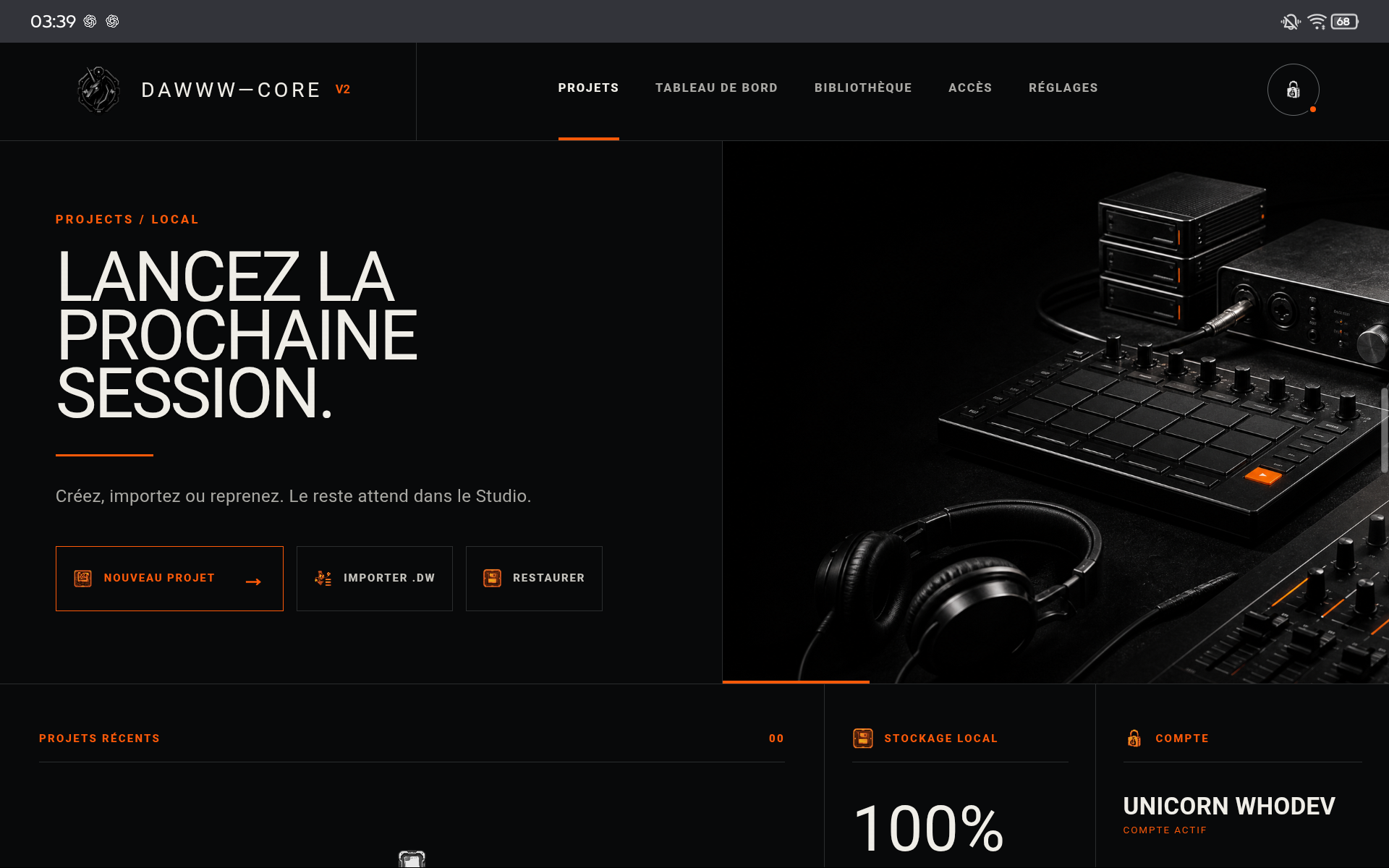
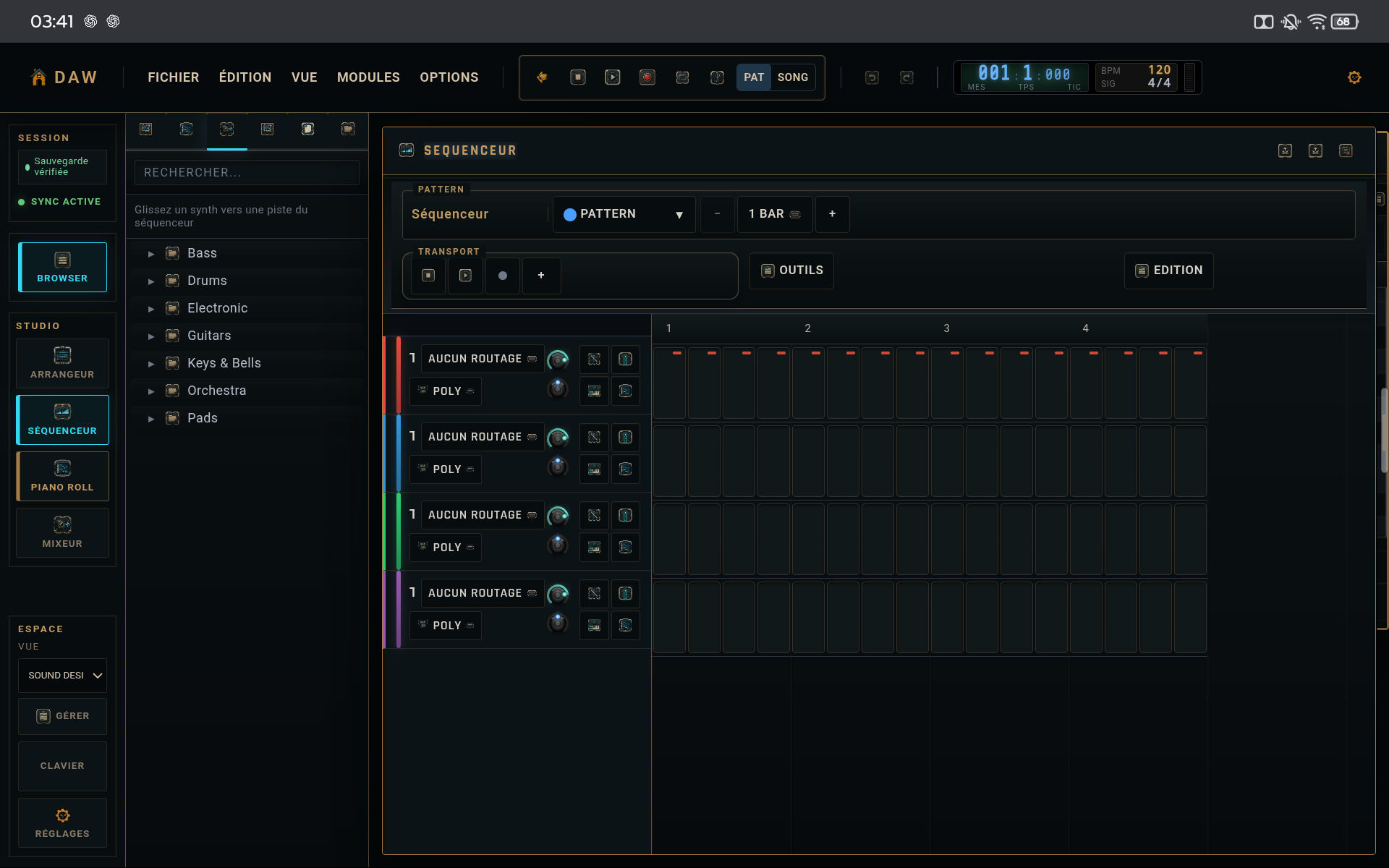
Create the project and set tempo
Action
Create a clearly named project, then choose a tempo that matches the idea. Do not hunt for the perfect value yet; adjust it after a few bars.
Why
Tempo immediately changes pattern feel and perceived density.
Program a very simple groove
Action
Add a drum track. Place the structural hits first, listen to the loop, then add a few hats or accents. Leave space.
Why
A simple foundation makes timing and level problems obvious.
Add a musical line
Action
Add bass, keys, or a synth. Draw a few notes in the piano roll. Shape note lengths and leave room around the drum accents.
Why
This proves whether the groove actually supports a melodic or harmonic idea.
Balance and save
Action
Open the mixer, lower elements that dominate, and keep master headroom. Then export a dated .dw copy.
Why
You finish with a project that is both listenable and recoverable.
CHECKLIST
Before considering the tutorial complete
- The loop survives at least 8 repetitions without becoming confusing.
- The master does not clip.
- A .dw copy exists outside the current session.